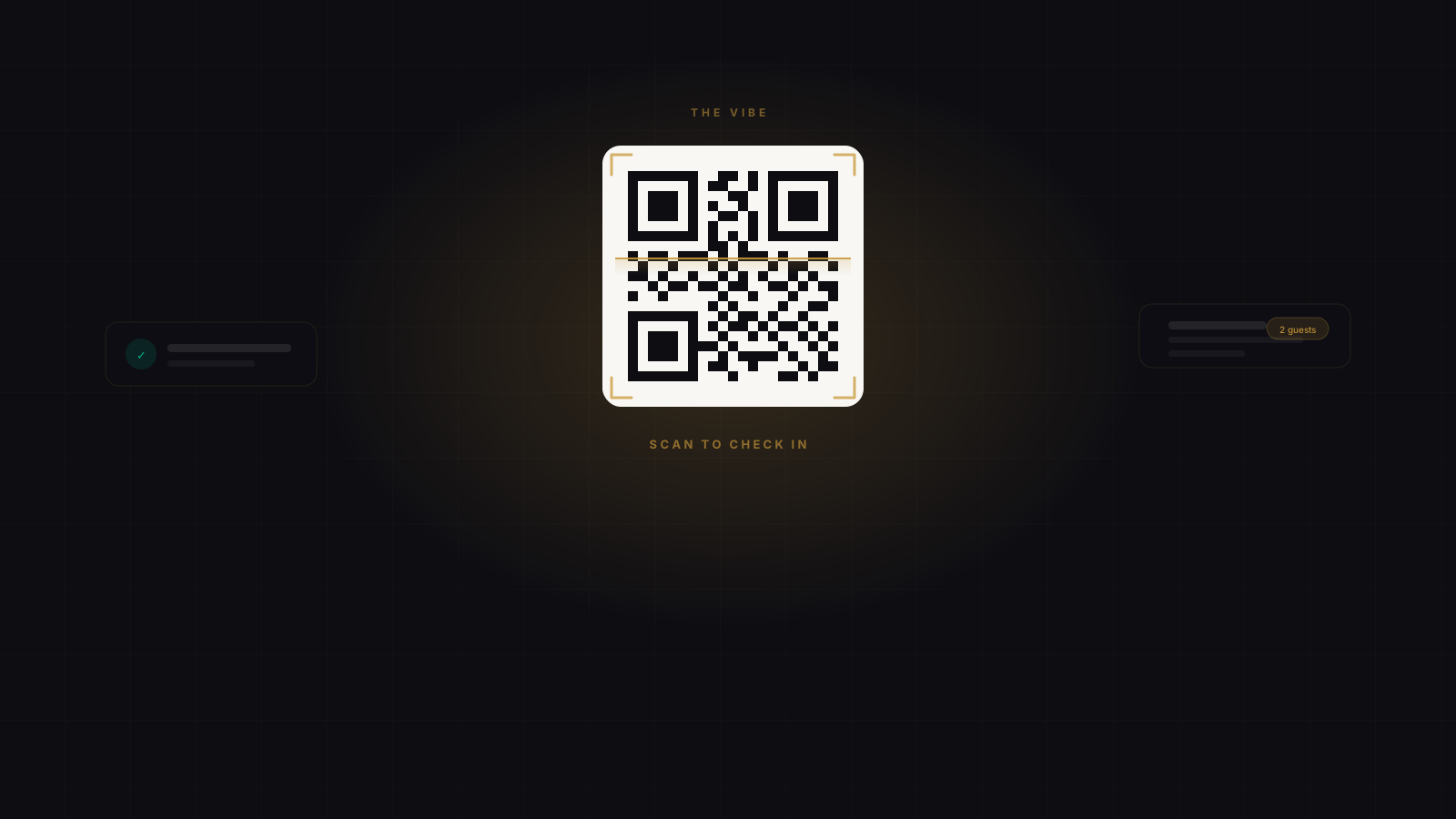
The QR code is the first moment of the experience. A member holds up their phone, the host sees a green confirmation, and everything that follows starts from a good place. Here’s what that looks like on both sides of the door.
For members
Open your claim, tap the QR button, and the code fills the screen — high contrast, no navigating around. Hold it up to the scanner or hand the phone to the host. That’s the whole check-in.
If you’re arriving with a crew, only one person needs to scan. The host sees your code, and the whole group is checked in at once. Nobody else needs to open the app or find their own QR.
For businesses
The host dashboard shows each check-in as it happens — member name, offer title, and group size if it’s a crew arriving together. No paper lists, no tablet-passing, no counting on fingers.
You can attach a handoff note to any offer: a short brief for your front-of-house team. Where to seat the guest, what to bring first, what’s included. It appears on the confirmation screen right when your staff needs it, so the context is always there — not stuck in a group chat from earlier that week.
The scan is the handshake. Everything after it should feel like it was expected.
Open any live offer in your dashboard and look for the Handoff note field under offer settings. Add a line for your front-of-house team — it shows on every check-in confirmation for that offer.